Creators often avoid teleprompters because they associate them with flat delivery. That usually happens because the script was written like an essay instead of a spoken performance.
A YouTube teleprompter is a pacing tool
For YouTube, the teleprompter should help you keep structure while leaving enough room for energy. It is especially useful when:
- You have a dense educational script
- You need a tighter introduction
- You want fewer jump cuts
- You are recording sponsor reads or precise calls to action
Write for speech, not for reading
A good YouTube script uses short lines, direct language, and visible emphasis. If you would not say a phrase out loud in real conversation, rewrite it before you hit record.
Try this pattern:
- Hook
- Promise
- One main point at a time
- Transition lines
- Clear close
That structure works better than scripting everything in one long block.
Use speed to control tone
For YouTube, a teleprompter mainly helps with cadence. If your delivery feels too stiff, your scroll speed may be too fast. When the prompt moves slower, you naturally create better emphasis and better pauses.
Keep your setup lean
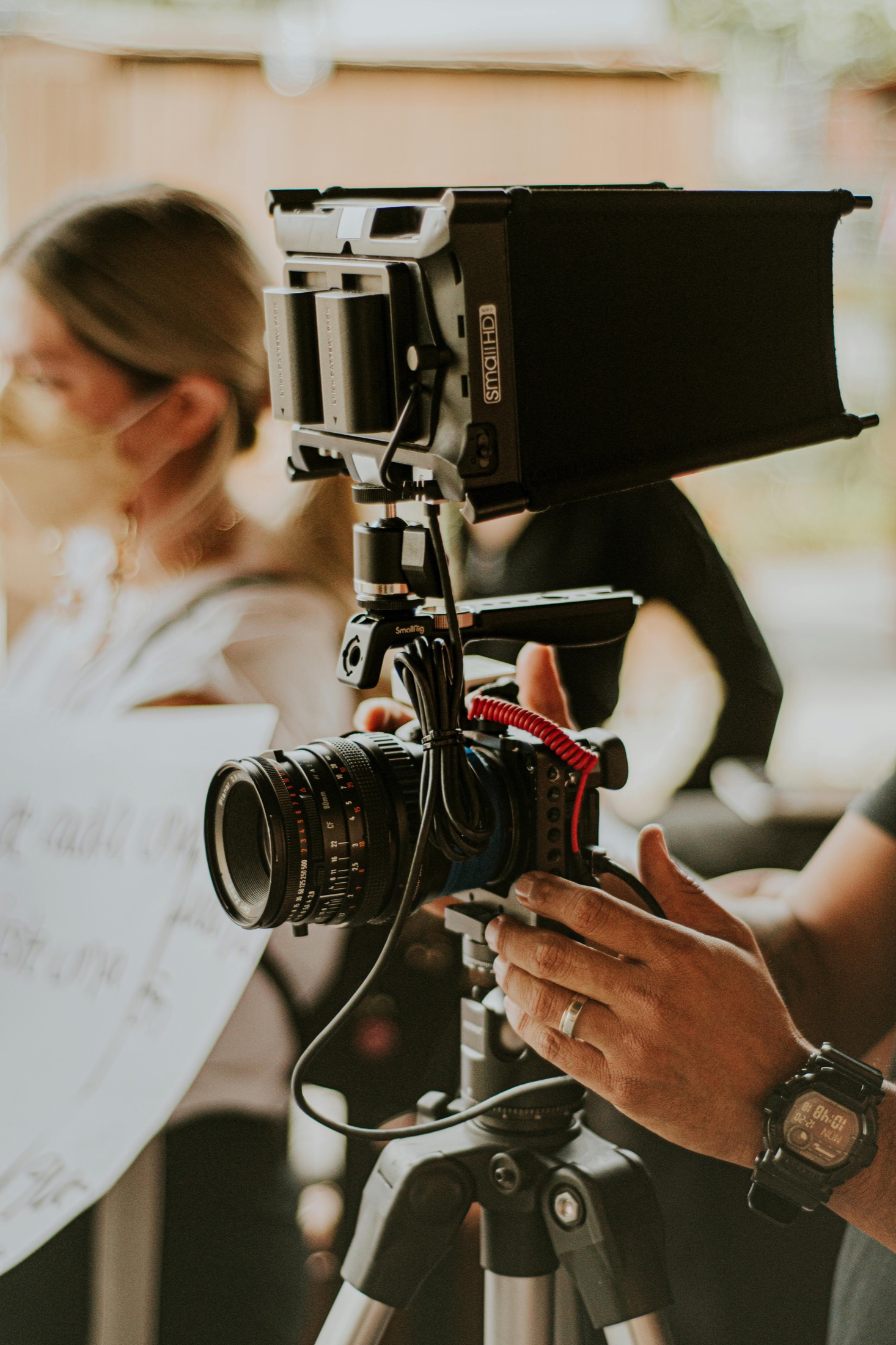
Many people recording YouTube videos do fine with a browser-based teleprompter and a webcam or mirrorless camera positioned just above the script. Start there before you invest in a hardware rig.
If you do upgrade later, mirror mode becomes more important because hardware teleprompters often require reflected text.
A simple recording routine
- Draft the script in spoken language
- Paste it into the teleprompter
- Rehearse your opening at least twice
- Mark spots where you want to ad-lib
- Record in short sections if the full take loses energy
Keep the energy, lose the flailing
For YouTube, the useful teleprompter is the one that keeps your pacing tight without flattening your voice. If you stay sharp, cut fewer takes, and still sound like yourself, the setup is doing its job.
Free Tool
Need to practice right now?
Open the browser teleprompter, paste the next draft, make the text bigger, and rehearse the parts that need to land cleanly.
Use the online teleprompter