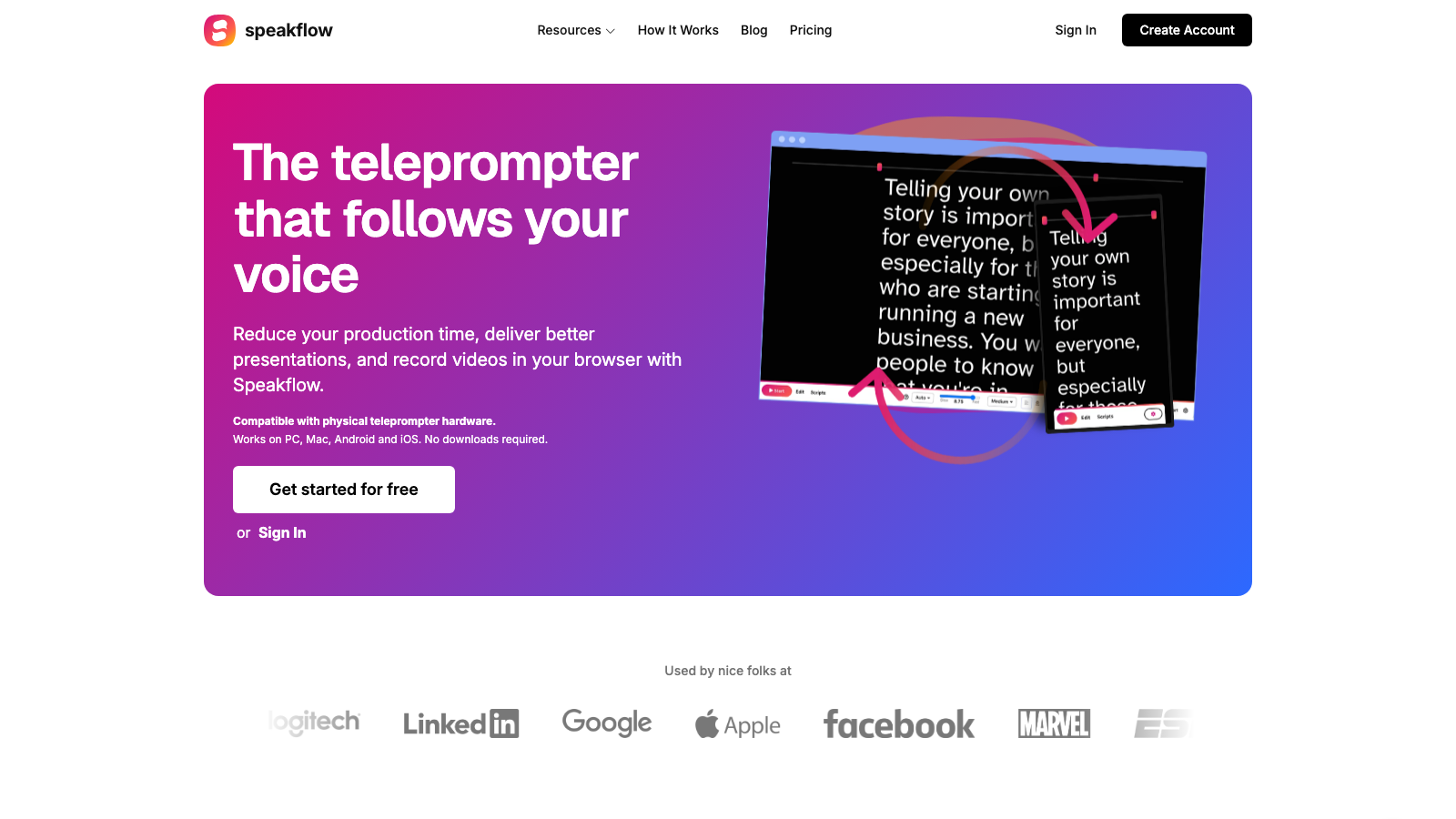
Speakflow is closer to a full recording setup than a bare prompt window. The useful parts are easy to spot: voice-follow scrolling, remote control from another device, and scripts that live inside a more structured account workflow.
That can help in real situations. A webinar host who speeds up and slows down will care more about voice-follow than someone recording a two-minute client update. A presenter with a producer running the prompt from another screen will care more about remote control than a solo person reading near the webcam.
Speakflow leans on voice-follow and remote control
Those features matter most when the recording job has extra hands or extra moving parts.
- You want the prompt to track your pace instead of a fixed scroll
- Someone else may control the script during a webinar or live presentation
- The script changes between rehearsal, review, and the final take
If that sounds like your setup, Speakflow is aimed at that kind of job.
Where FlowTeleprompter is easier to live with
A lot of recording jobs are smaller than that. You’re opening a browser window, dragging it near the camera, and getting through an intro, demo, lesson, or internal update without adding more software than you need.
That’s where FlowTeleprompter is easier to live with. Paste the script, tune the size and speed, mirror it if needed, and go fullscreen.
Practical comparison
| Criteria | FlowTeleprompter | Speakflow |
|---|---|---|
| Main angle | Fast browser teleprompting | Voice-follow prompting with more workflow around it |
| Setup weight | Light | More layered |
| Account requirement | No account | Account-based workflow |
| Best fit | Straightforward solo prompting | Recordings or presentations with more moving parts |
| Overall feel | Simpler | More process-driven |
For most people
FlowTeleprompter makes more sense if you usually record alone, want the prompt on screen fast, and do not need a second control device or a heavier script workflow.
The short version
Speakflow puts more emphasis on voice-follow and remote control. FlowTeleprompter keeps the setup lighter for everyday recording.
If you mainly want a prompt window you can open and use right away, FlowTeleprompter is the more straightforward Speakflow alternative.
Free Tool
Need to practice right now?
Open the browser teleprompter, paste the next draft, make the text bigger, and rehearse the parts that need to land cleanly.
Use the online teleprompter